Solo
For personal projects.
$3/ month
Billed monthly
- Monthly recipients
- 5,000
- Domains
- 10
- Mailboxes
- 1
- Storage
- 5 GB
- Webmail and IMAP access
- Email API included
OpenShip Mail
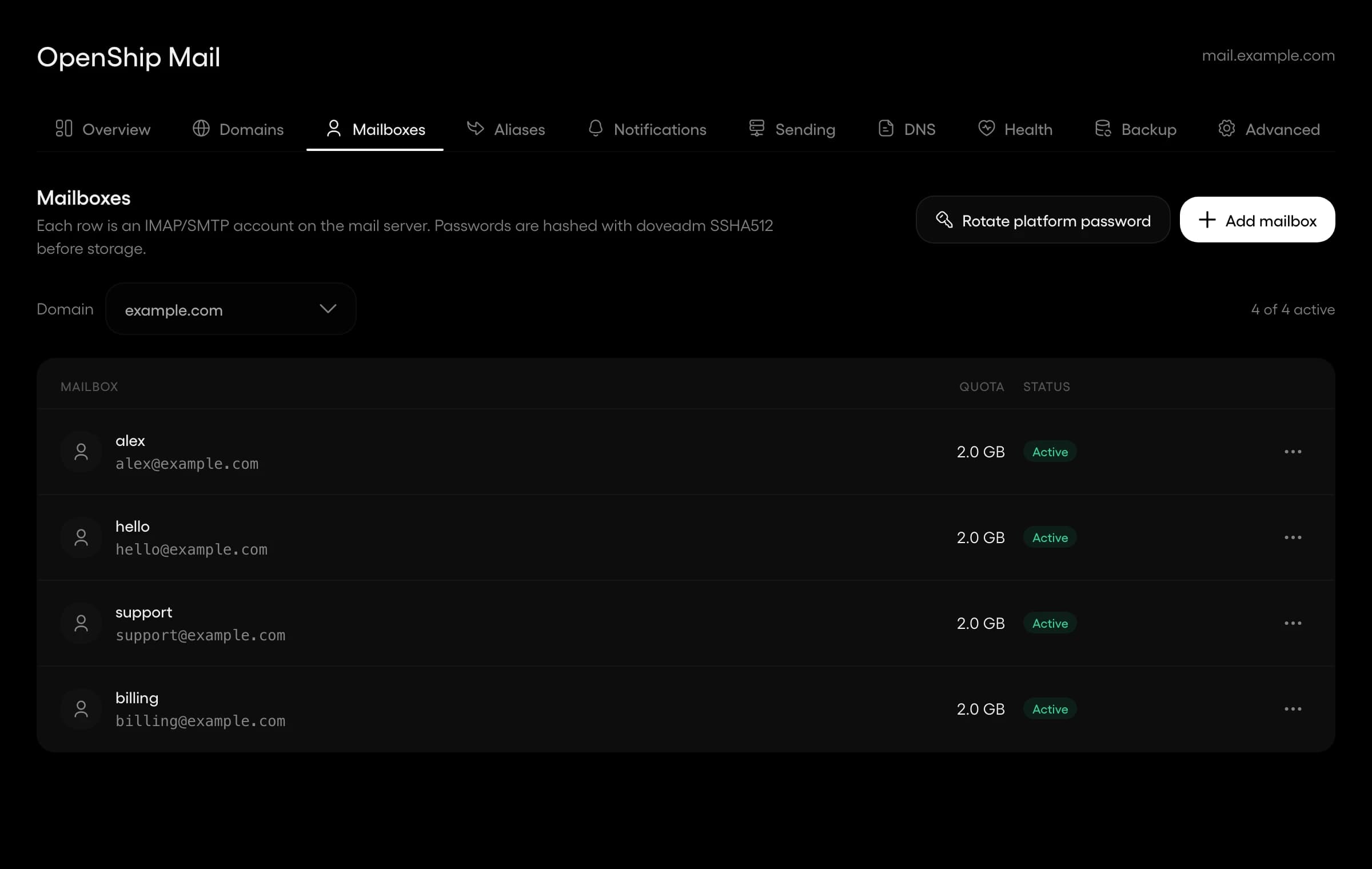
Keep your team’s mail on your server and let OpenShip handle delivery. For a fully hosted inbox, choose OpenShip Cloud.

Keep messages and attachments on your hardware. OpenShip’s relay delivers outgoing mail from your verified domain.
Set up a mail server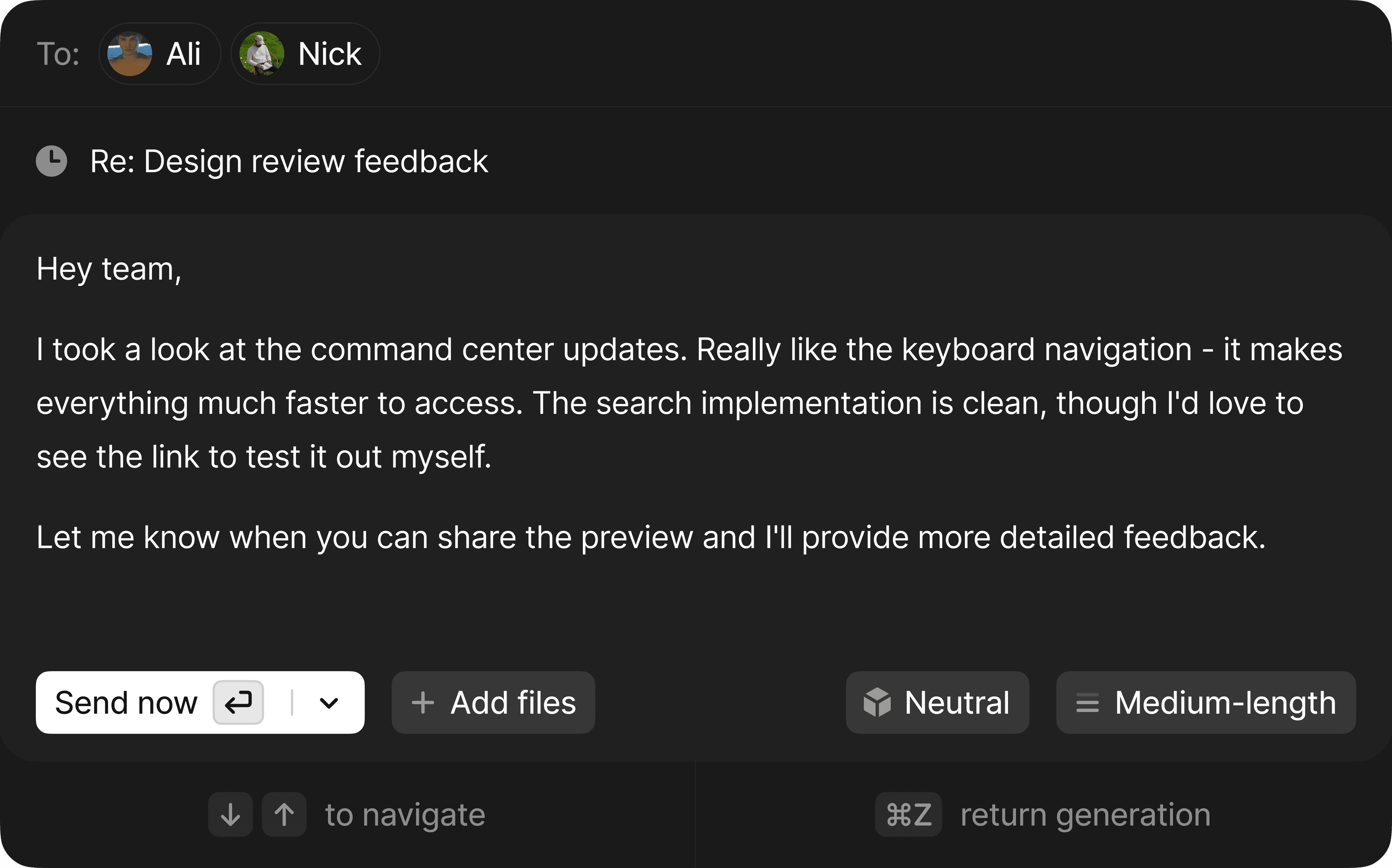
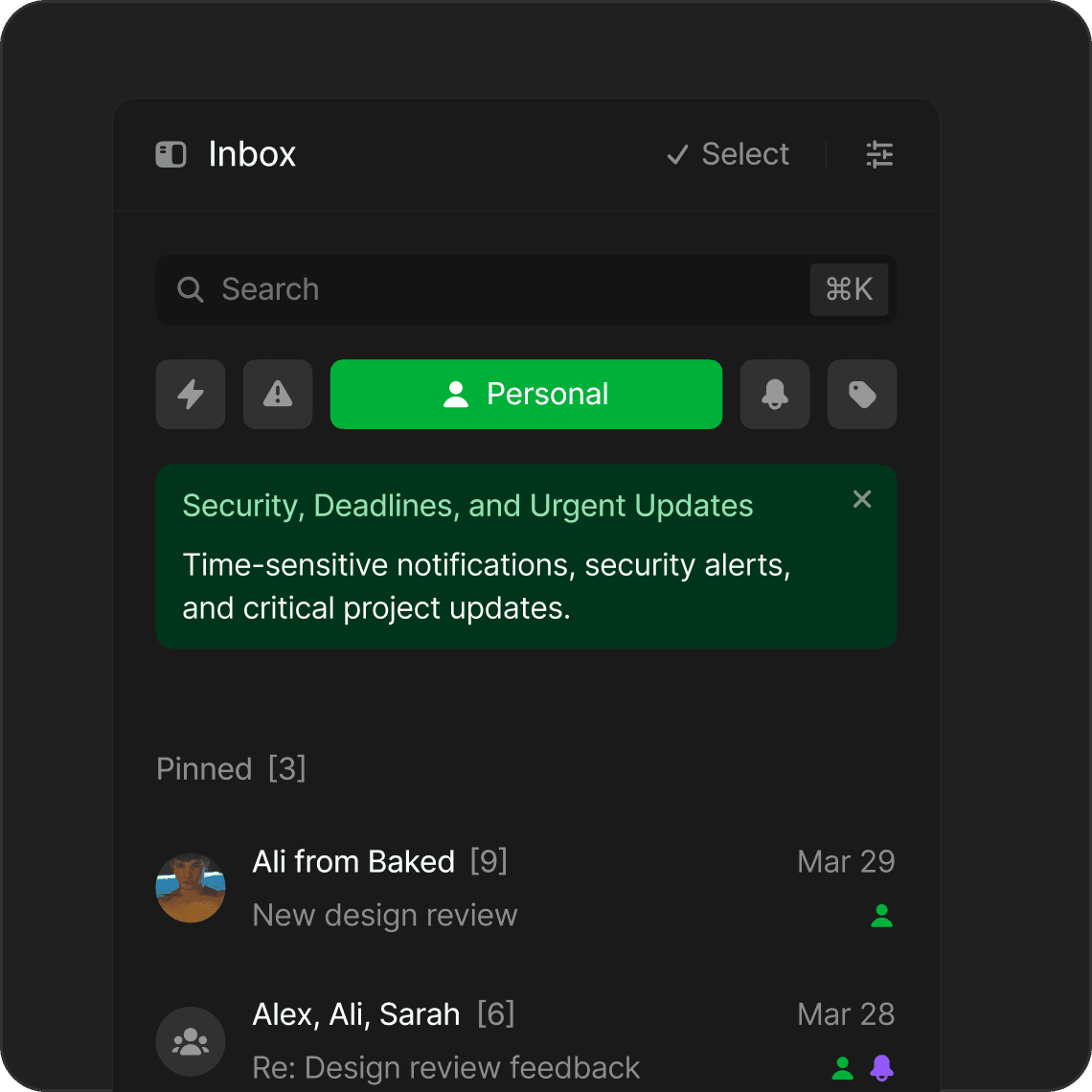
Read, reply and file a message without leaving the keyboard.
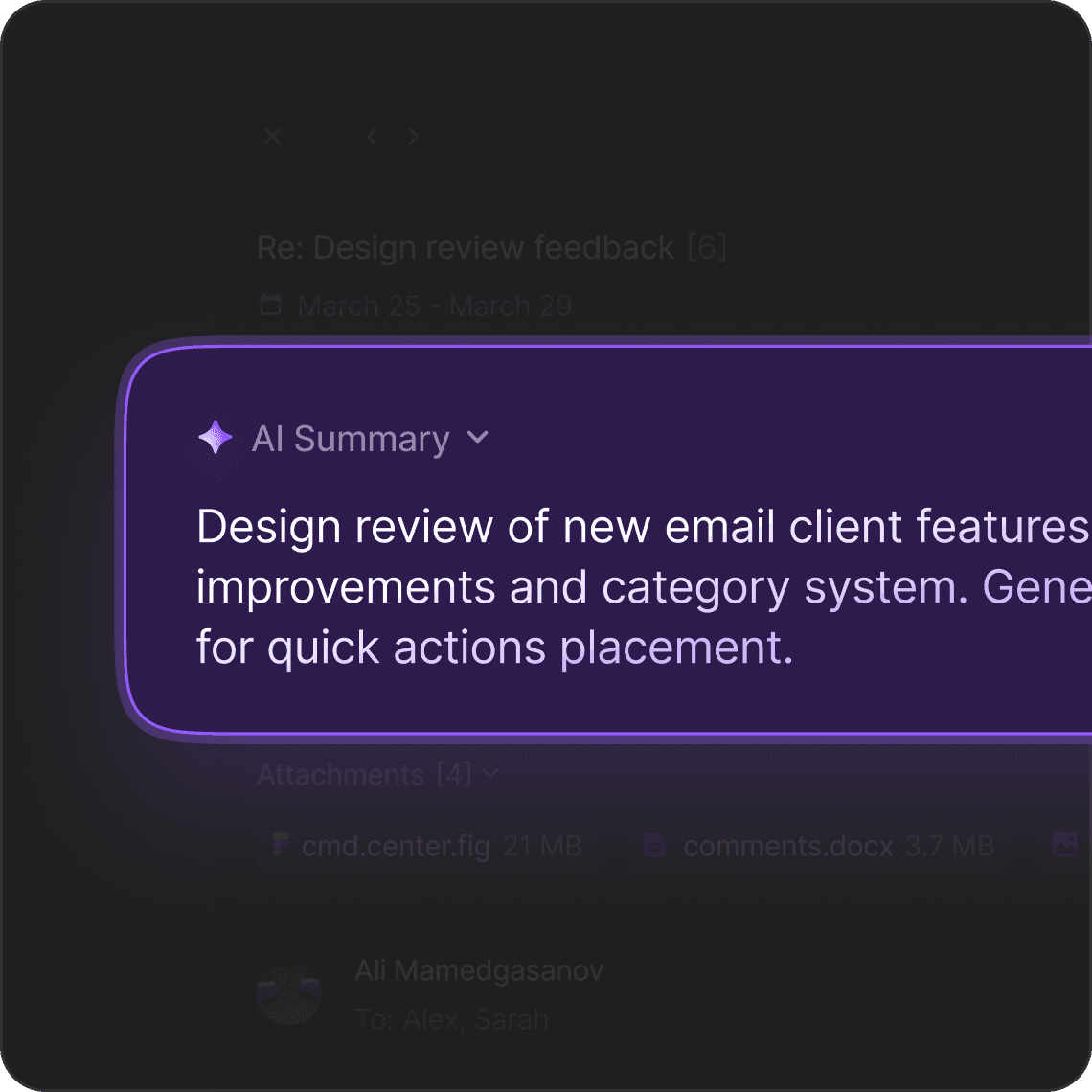
Catch up on a long conversation before you reply.
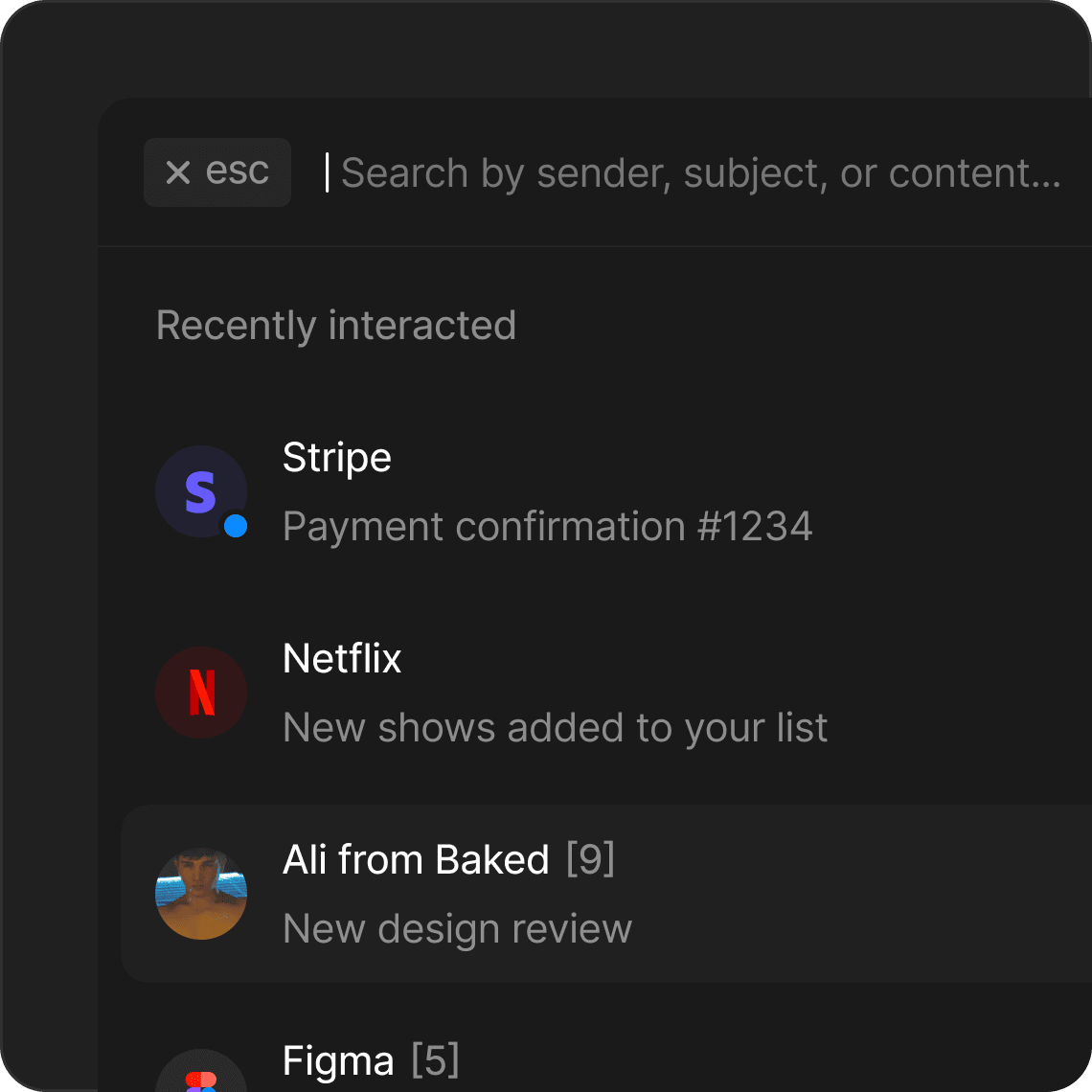
Find the receipt, attachment or conversation you remember.
On your server or in a dedicated Cloud inbox, let the assistant prepare replies and follow-ups. You approve what gets sent.
Draft a reply asking for a link to the preview.
Thanks for the walkthrough. Could you send the preview link so I can try the new search?
Add an address, forward mail to a teammate, or back up your mail server.
Choose where your messages live and how much mail you send.
For personal projects.
Billed monthly
For small teams.
Billed monthly
For teams with multiple brands.
Billed monthly
For platforms serving customers.
Billed monthly
| Shared | Dedicated | API | |
|---|---|---|---|
| Sending | |||
| Send from your app via API | Included | Included | Included |
| Send-only keys per domain | Included | Included | Included |
| Track sending usage | Included | Included | Included |
| Mailboxes | |||
| Webmail and IMAP access | Included | Included | Not included |
| Aliases and forwarding | Included | Included | Not included |
| Private mailbox storage | Not included | Included | Not included |
| AI summaries and reply drafts | Not included | Included | Not included |
Read mail in your browser or connect Apple Mail, Gmail or Outlook with IMAP and SMTP.
Send from your code
import { OpenshipClient } from "openship/client";

const client = new OpenshipClient({
  baseUrl: "https://api.openship.io",
  token: process.env.OPENSHIP_MAIL_API_KEY,
});

await client.mail.send({
  from: "[email protected]",
  to: ["[email protected]"],
  subject: "Welcome",
  text: "Your inbox is ready.",
  idempotencyKey: "welcome-user-123",
});