Mail server & webmail
Run mail on your domain with mailbox administration and built-in webmail, or connect webmail to an existing provider. Configure supported outbound relays.
Mail-server provisioning is available through desktop and self-hosted Openship. The hosted Cloud mail console is not available yet.
Open the guide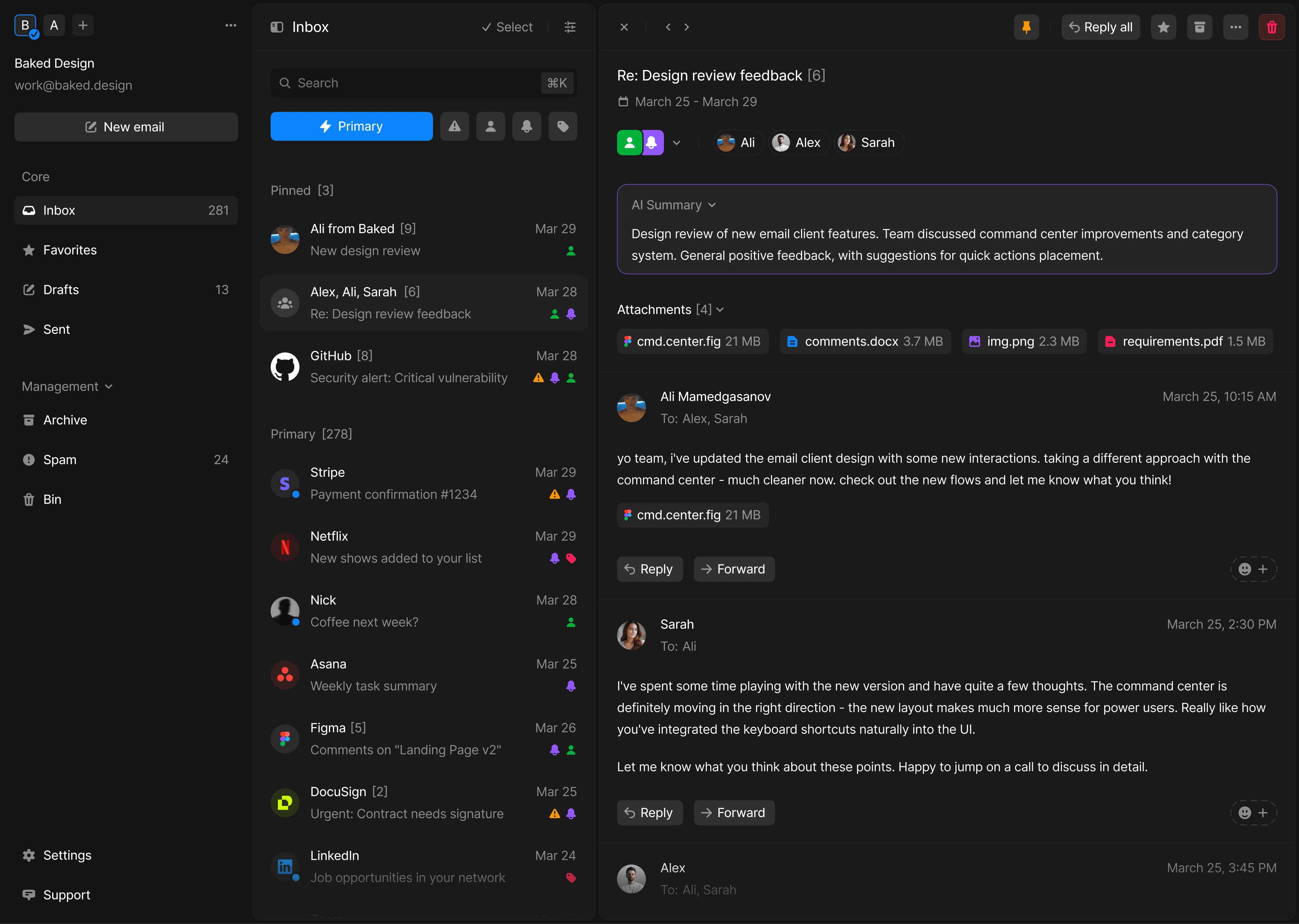
How it works
Mail setup guides server selection, domain records, and the stack. Manage mailboxes and aliases in Openship and use webmail alongside desktop or mobile clients.
Keep existing mailboxes when you only need webmail, or relay outbound mail through SMTP or a supported provider. Delivery depends on suitable DNS, host reputation, and provider settings.
What you can do
Self-host or relay
Full mail stack, or SES/SMTP send-relay — your choice.
Domain setup
Follow guided mail DNS and authentication configuration.
Webmail included
A clean built-in client for the provisioned mail stack.
Explore more
Ship it your way.
Self-hosted and free, or managed on Openship Cloud — the same workflow either way.