Dashboard, CLI & desktop
Drive everything from a fast web dashboard, a single-binary CLI, or a native Mac/Windows desktop app — deploys, logs, secrets, domains, and rollbacks, all in one place.
Choose your download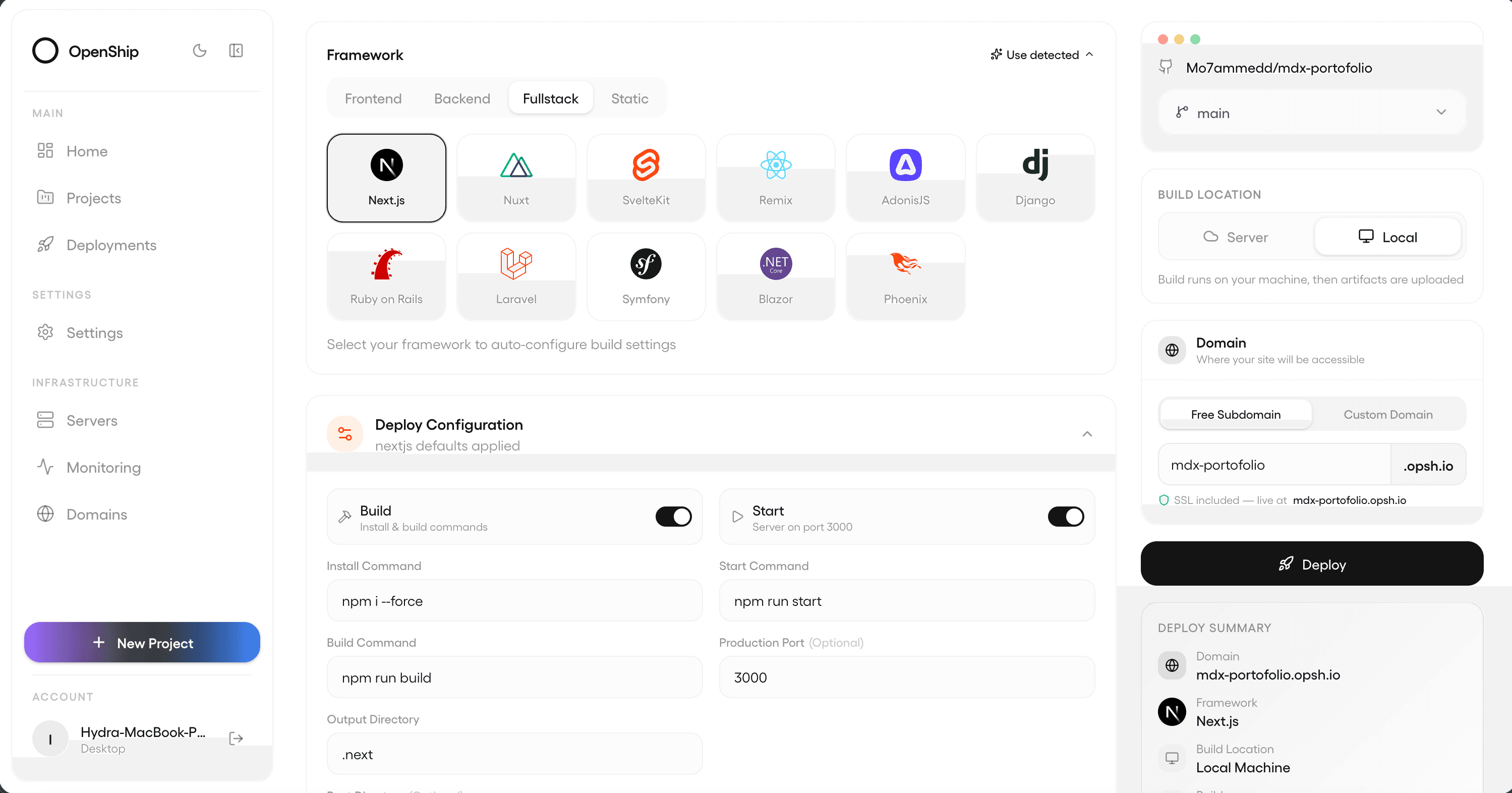
How it works
Manage projects, servers, deployments, domains, and access visually. The CLI exposes documented commands for scripts, deployment, logs, and operational workflows.
The desktop app manages connected servers and local deployment. Interfaces share authorization and engine operations; availability follows the chosen controller and destination.
What you can do
Web dashboard
Inspect deployments, services, infrastructure, and team access.
CLI
Use documented commands from a terminal or script.
Desktop
Manage remote destinations alongside local projects.
Explore more
Ship it your way.
Self-hosted and free, or managed on Openship Cloud — the same workflow either way.